
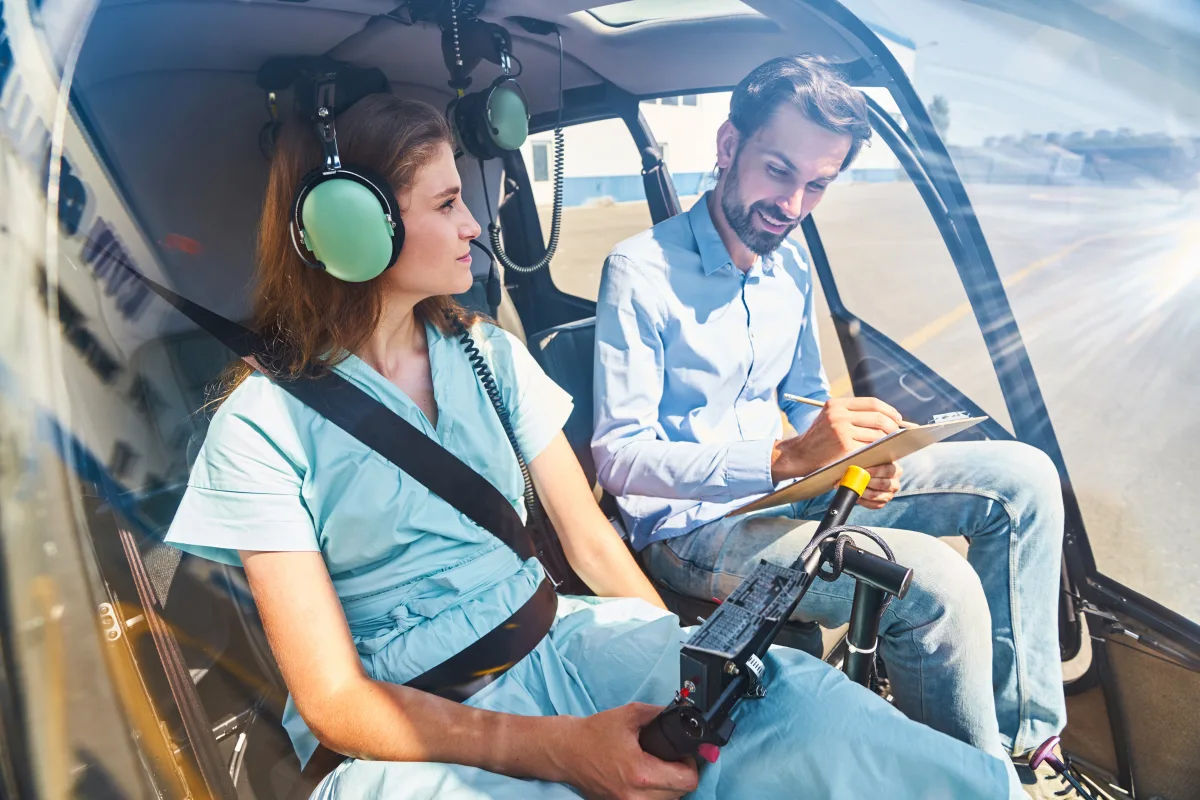
Simulator hours in pilot training: FNPT, BITD, FTD — which devices are approved for which training phases and what that means for student pilots.
Flight Simulation as a Training Tool — What Counts and What Does Not
The boundary between hobby flight simulation and professional training is increasingly blurring. A modern desktop simulator with premium add-ons replicates aircraft systems, navigation, and flight procedures with a level of detail that was reserved for professional devices just 20 years ago. But what does the aviation authority actually recognize? Which simulator hours count toward a license, and what remains a pure practice tool without formal credit? This article clarifies the regulatory facts, examines the EASA and FAA simulator categories, and shows how the home simulator can be a valuable training aid despite the lack of regulatory credit.
The EASA System: FSTD — Flight Simulation Training Devices
EASA classifies all approved simulation devices under the umbrella term FSTD (Flight Simulation Training Device). The classification is defined in CS-FSTD(A) for aeroplanes and CS-FSTD(H) for helicopters. Within this system, four main categories exist, fundamentally different in complexity, cost, and creditable hours:
| EASA Category | FAA Equivalent | Description | Typical Cost |
|---|---|---|---|
| FFS (Full Flight Simulator) | FFS Level A-D | Full simulator with motion and full visual system | $16-28M |
| FTD (Flight Training Device) | FTD Level 4-7 | Cockpit replica without motion, with/without visual | $550K-5.5M |
| FNPT (Flight and Navigation Procedures Trainer) | AATD (Advanced ATD) | Procedures trainer with instrument display | $55K-550K |
| BITD (Basic Instrument Training Device) | BATD (Basic ATD) | Simple instrument training device | $11K-55K |
Creditable Hours in Detail
| Training/License | Simulator Type | Creditable Hours (EASA) | Creditable Hours (FAA) |
|---|---|---|---|
| PPL(A) / Private Pilot | BITD/FNPT or BATD/AATD | Max. 5h (of 45h total) | Max. 2.5h BATD or 5h AATD (of 40h total) |
| LAPL(A) | BITD/FNPT | Max. 3h (of 30h total) | N/A |
| IR(A) / Instrument Rating | FNPT II / FFS/FTD or AATD/FTD | Max. 35h (of 50h total) | Max. 20h AATD or 30h FTD (of 40h total) |
| CPL(A) / Commercial Pilot | FNPT II / FFS/FTD or AATD/FTD | Max. 5h (of 25h total) | Max. 50h FTD/FFS (of 250h total) |
| MCC (Multi Crew Cooperation) | FNPT III (MCC) / FFS | 20h (entire course) | N/A (different requirement structure) |
| Type Rating | FFS Level C/D | Complete (ZFT possible) | Complete (ZFT possible with Level C/D FFS) |
What the Home Simulator Does NOT Replace
This must be stated clearly: No home simulator — regardless of how expensive or sophisticated — is recognized by EASA, the FAA, or any national aviation authority as an FSTD or ATD. The hours you fly in MSFS, X-Plane, or Prepar3D do not count toward a license. Period.
The reasons are understandable:
- No certification: An FSTD/ATD must be certified by the competent authority and regularly inspected. Every update, every change must be documented and approved.
- No quality control: How realistic is the flight model? Are the system logics correct? In a certified device, this is verified — in a home simulator, it is not.
- No standardized environment: Training must be reproducible. A certified FNPT/AATD is always configured identically. A home simulator can change between sessions.
- No Instructor Operating Station (IOS): Certified devices have an instructor console from which the instructor controls weather, malfunctions, and scenarios.
Still Valuable: The Home Simulator as a Learning Aid
Even though no hour counts toward a certificate, the home simulator is an enormous learning tool. Experienced flight instructors consistently report that students with sim experience often progress faster — not because sim hours are credited, but because certain cognitive skills have been trained:
Procedures and checklists: The flows of a traffic pattern, an ILS approach, or an engine failure drill can be repeated at the home simulator until they become second nature. In the real aircraft, each repetition costs $150-300 — at the simulator, it is free.
Radio navigation: Setting VOR radials, flying NDB approaches, interpreting DME distances — the fundamentals of radio navigation can be excellently practiced on the simulator.
Approaches: Briefing and flying approach procedures is one of the best preparation tools for instrument training. Having flown the ILS 28R at JFK or the RNAV 19 at Aspen ten times on the simulator makes the first real approach significantly less stressful.
Situational awareness: The ability to maintain the "big picture" — position, altitude, airspeed, next maneuver, weather — can be trained on the simulator.
FMS and avionics: Operating a Garmin G1000, Collins Pro Line, or Airbus MCDU can be learned at leisure on the simulator — without the time pressure of real flight.
Certified Training Simulators in Flight Schools
Between the home PC and the $20 million FFS, there is a growing category of certified training simulators specifically developed for flight schools:
Redbird FMX: A full-motion AATD (FAA) / qualifiable as FNPT II (EASA). It offers an enclosed cockpit with visual system and 3-DOF motion — at a fraction of an FFS cost (~$80,000-120,000). Many flight schools in the US and increasingly in Europe deploy Redbird devices.
Alsim ALX: FNPT II-qualified trainers widely used in European flight schools. Configurable as single- or multi-engine, with or without visual system.
Elite Simulation Solutions: Robust, certified simulators for GA training. Compact, low-maintenance, and affordable for smaller flight schools.
Frasca International: American manufacturer with a long tradition, offering FTDs and FFS for various aircraft types deployed in flight schools and universities worldwide.
X-Plane and MSFS as Platforms for Certified Devices
An interesting aspect: some certified training devices use X-Plane as their underlying simulation platform. Laminar Research offers a professional license allowing training device manufacturers to use X-Plane as the engine for EASA- or FAA-certified devices. The flight physics — based on Blade Element Theory — serves as the foundation, while cockpit hardware, visual system, and instructor station are purpose-built. The difference lies not in the software but in the total-system certification — hardware, software, calibration, and maintenance as an integrated unit.
"My flight instructor said: practice procedures on the simulator, fly in the aircraft. Both have their place, but don't confuse one with the other." — A PPL graduate
Practical Tips: Using the Home Simulator Effectively for Training
- Use the same aircraft configuration: If you are learning on a Cessna 172, use the most realistic C172 available on your simulator. Familiarity with the specific panel is invaluable.
- Use real charts: Use Navigraph or SkyVector for real approach charts and fly the procedures you will encounter in reality — your home airport, typical practice areas, standard approaches.
- Work through checklists: Develop the discipline of using checklists on the simulator from the start. The habit transfers to the real cockpit.
- Fly realistically: No time acceleration, no autopilot in the traffic pattern, no shortcuts. The learning effect comes only when you treat the simulator as seriously as the aircraft.
- Practice briefings: Brief the approach before the flight — aloud, as if explaining it to a copilot. Approach type, frequencies, minima, missed approach procedure. This trains mental preparation.
The Future: Will Home Simulators Ever Be Recognized?
The question is regularly discussed in the community. The short answer: Not in the foreseeable future. The regulatory hurdles are high, and the authorities have good reasons for their conservative stance. Aviation safety is built on standardized, verifiable processes — and an uncontrolled home simulator does not fit into that system.
What is evolving, however: the lower boundary of certified devices is dropping. BITDs and BATDs are becoming cheaper and more accessible. Compact, certified trainers like the Redbird TD/TD2 are already available for under $10,000 and can qualify as training devices. It is conceivable that in the future, even simpler devices — perhaps based on consumer hardware — may become certifiable, provided they meet certain minimum standards.
Until then, the home simulator remains what it has always been: an invaluable practice tool that accelerates the learning process, internalizes procedures, and sharpens situational awareness — without producing a single creditable logbook entry. And that is perfectly fine, because the true value lies not in the logged hours but in the knowledge and confidence that grow from them.
